How do you parse JSON safely in Google Apps Script?
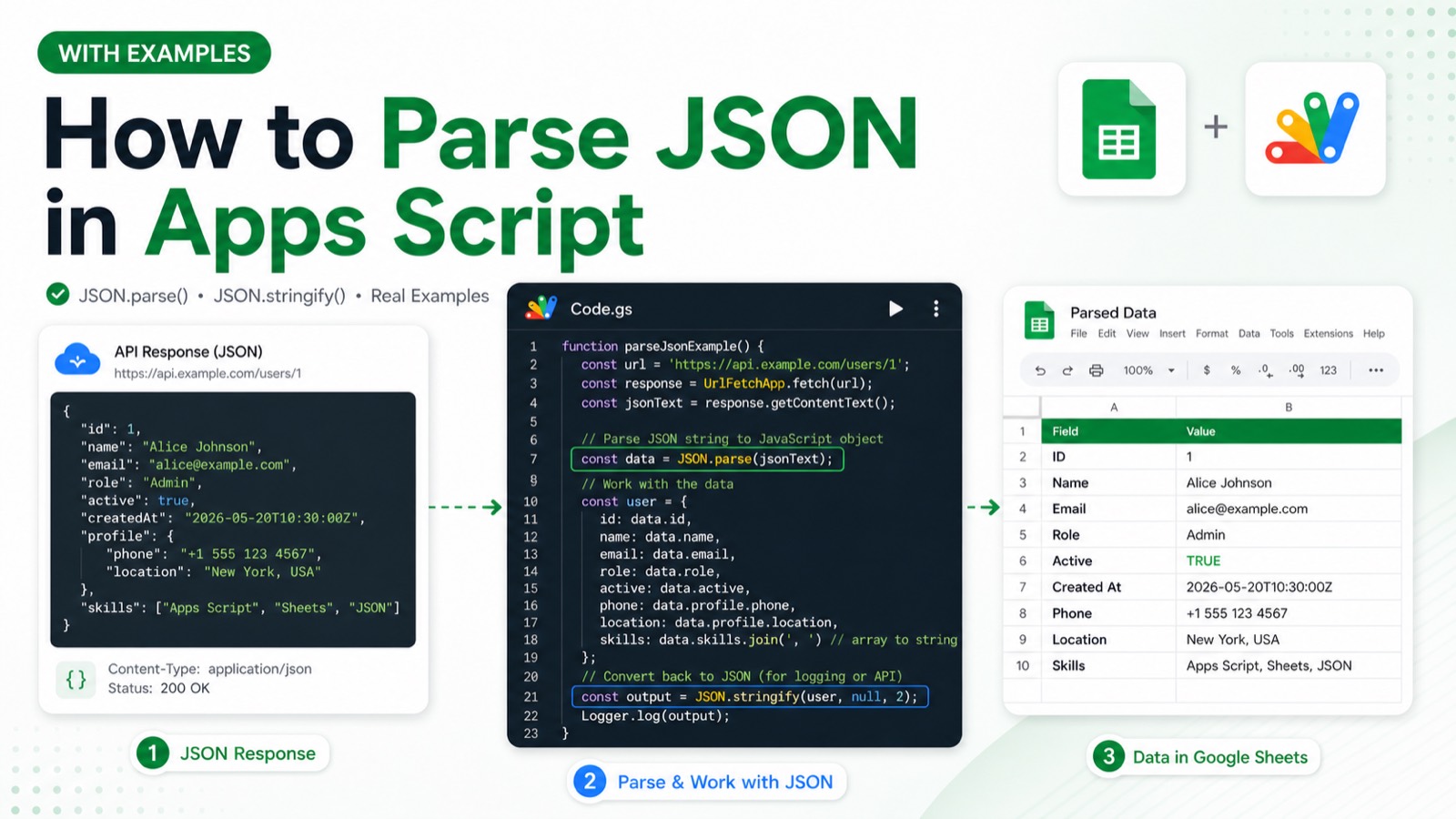
Use JSON.parse inside try/catch, validate the resulting shape before reading properties, and report malformed input without exposing sensitive payloads. JSON parsing itself needs no OAuth scope, but data obtained from another service may. Invalid JSON, an unexpected array or object shape, and missing required fields are the expected failure cases.
Create a separate test Apps Script project and replace every placeholder before running the example. Record the account, project type, fixture IDs, and execution result in the review evidence.
function parseOrderPayload(raw) {
  try {
    const order = JSON.parse(raw);
    if (!order || typeof order !== 'object' || Array.isArray(order) || !order.id) {
      throw new Error('Payload must be an object with an id.');
    }
    console.log('Order: ' + order.id);
    return order;
  } catch (error) {
    throw new Error('Invalid order JSON: ' + error.message);
  }
}

parseOrderPayload('{"id":"order-123","total":42}');
Static code review completed 2026-07-28 against the official Google Apps Script reference: service names, method signatures, parameter shapes, and error handling were verified by inspection. This sample has not yet been executed end to end in a clean Apps Script project, so the expected output below describes the script's intended behaviour rather than a recorded run.
#Tutorial#Google Apps Script
Review & sources
This article was substantively reviewed by Hassan Raza on July 28, 2026; test date 2026-07-28 00:00:00.000Z; environment: Clean Apps Script test project (user-confirmed).
Review outcome: Static code review by inspection on 2026-07-28 against official Google Apps Script documentation. Not executed in a clean project; execution evidence pending.
Required scopes: No additional OAuth scope for JSON.parse; any data-source scope depends on the surrounding script..
Expected output: Logs `Order: order-123` and returns the parsed order object.
Failure cases: Malformed JSON throws a SyntaxError; valid JSON with the wrong shape or no id is rejected by the explicit validation.