
Google Apps Script Tutorials, Tips & Updates
Engineering write-ups, product reasoning, prompts that work, and the occasional changelog-by-accident — from the team building Google Apps Script Copilot.
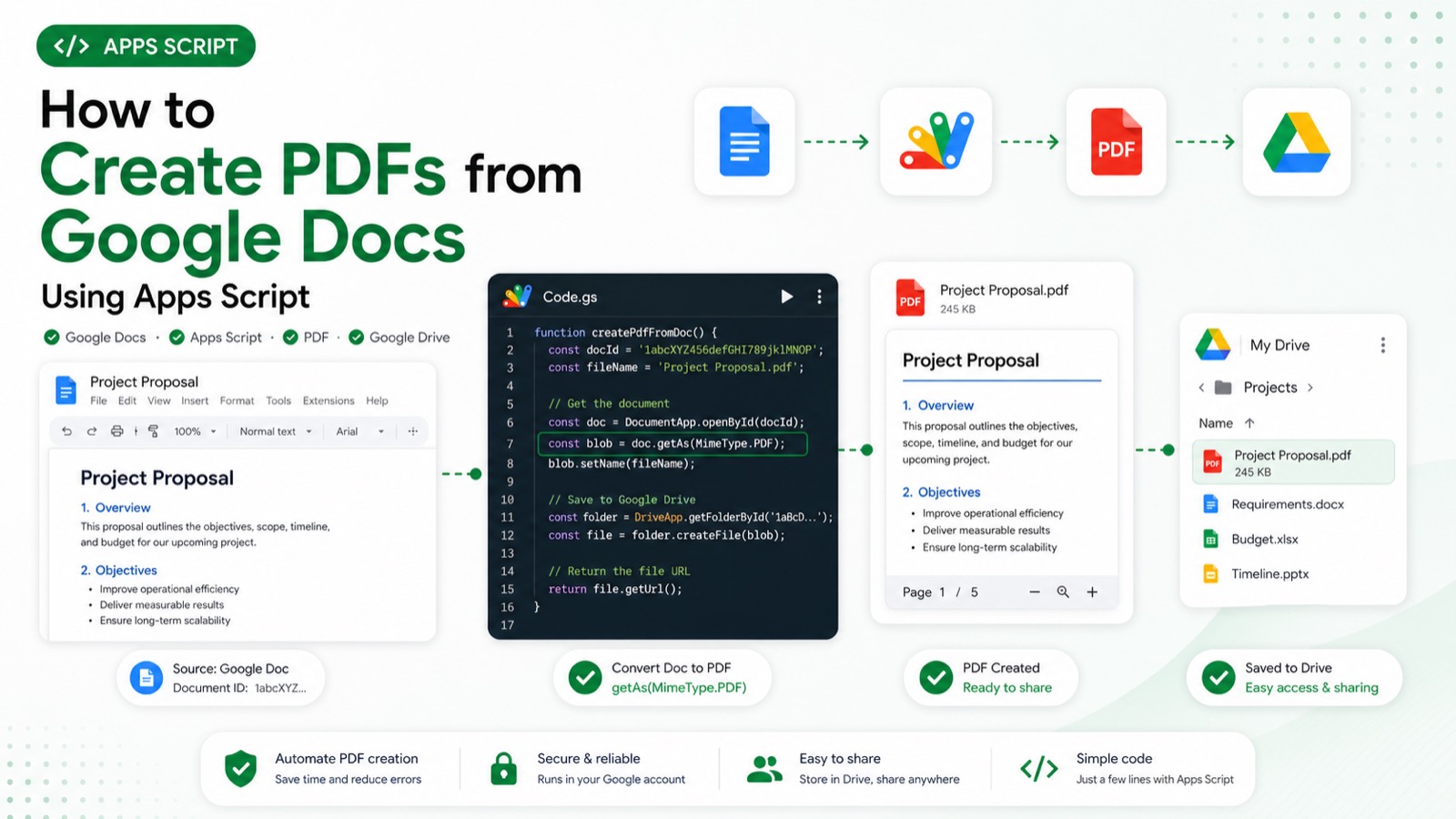
How do you create a PDF from a Google Doc with Apps Script?
Use DriveApp to open the Google Doc file, convert it to a PDF blob with getAs(MimeType.PDF), then create that blob in a destination Drive folder. The script needs Drive access and should validate both IDs before conversion. Conversion quotas and Drive permissions can still prevent an otherwise valid export.
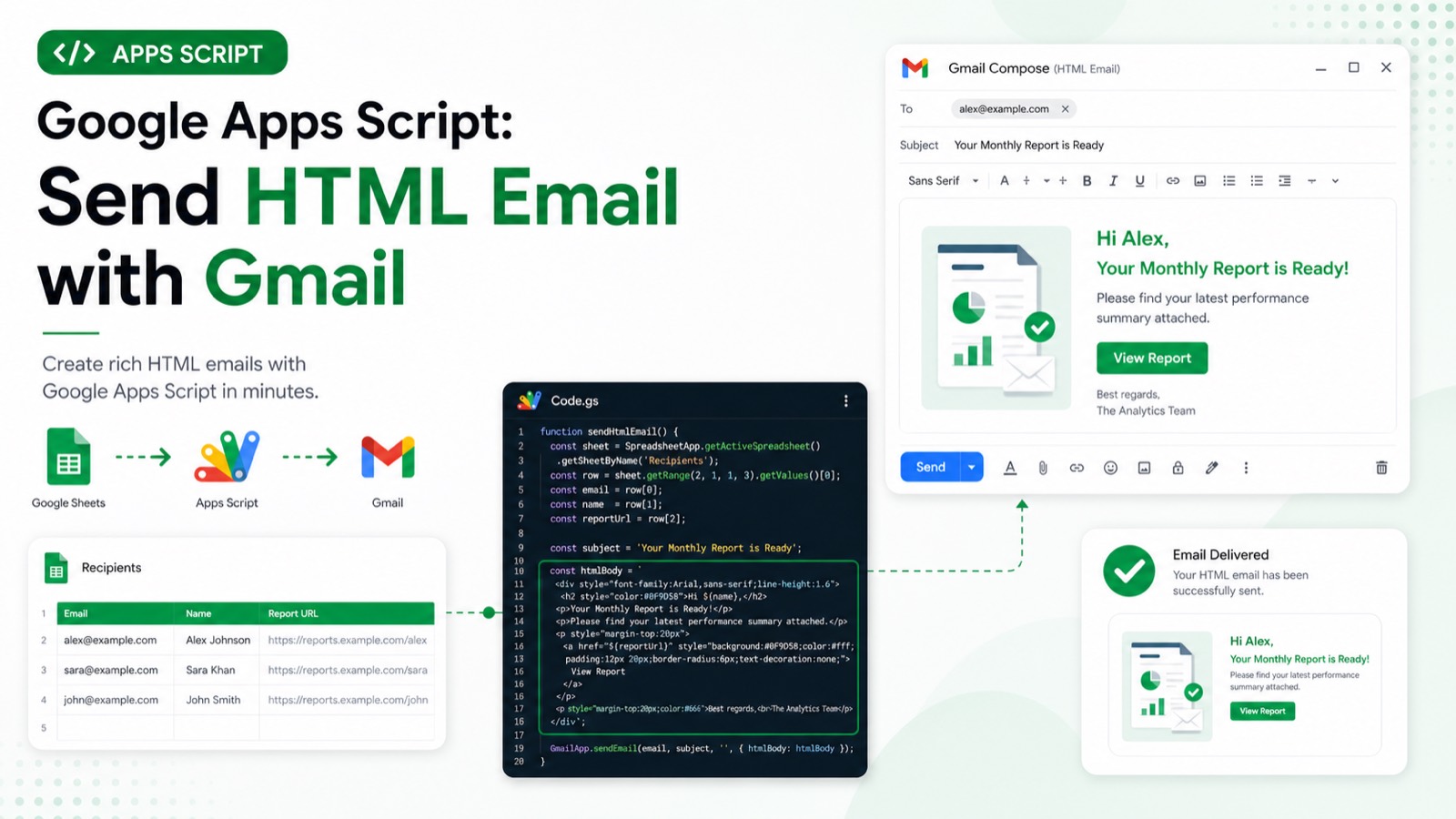
How do you send an HTML email with GmailApp in Apps Script?
Call GmailApp.sendEmail with a plain-text body and an options object containing htmlBody. Keep a plain-text fallback, validate the recipient before sending, and test with a controlled address first. The script requires Gmail authorization, and Gmail sending quotas or an invalid recipient can stop delivery.
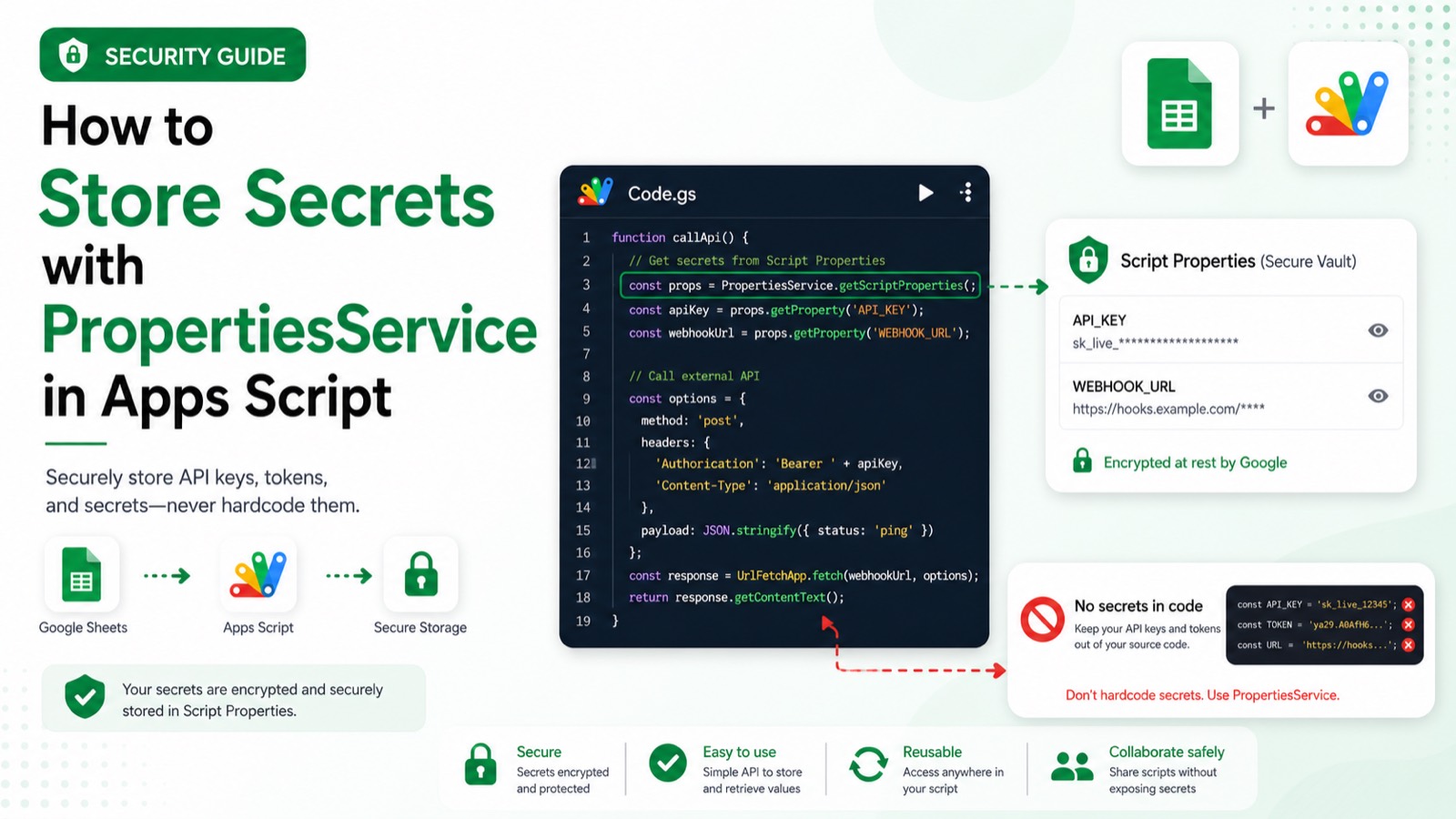
How do you store a secret with PropertiesService in Apps Script?
Use Script Properties for a value shared by code running in one script project, then retrieve it at runtime instead of placing it in source code or a spreadsheet. Treat the property store as configuration, not a secret-management system with fine-grained access controls. Missing values and project-editor access remain the main risks.
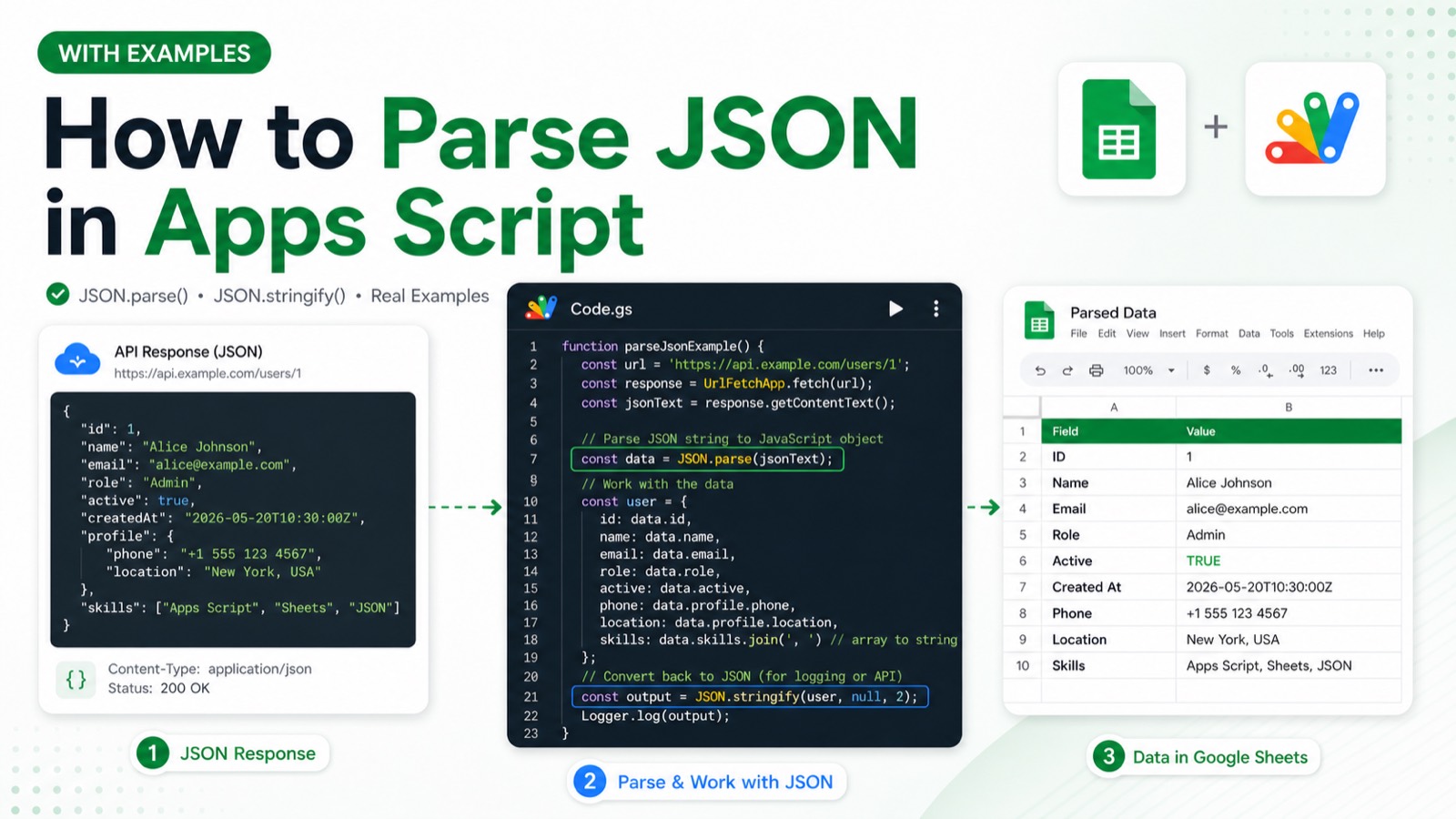
How do you parse JSON safely in Google Apps Script?
Use JSON.parse inside try/catch, validate the resulting shape before reading properties, and report malformed input without exposing sensitive payloads. JSON parsing itself needs no OAuth scope, but data obtained from another service may. Invalid JSON, an unexpected array or object shape, and missing required fields are the expected failure cases.
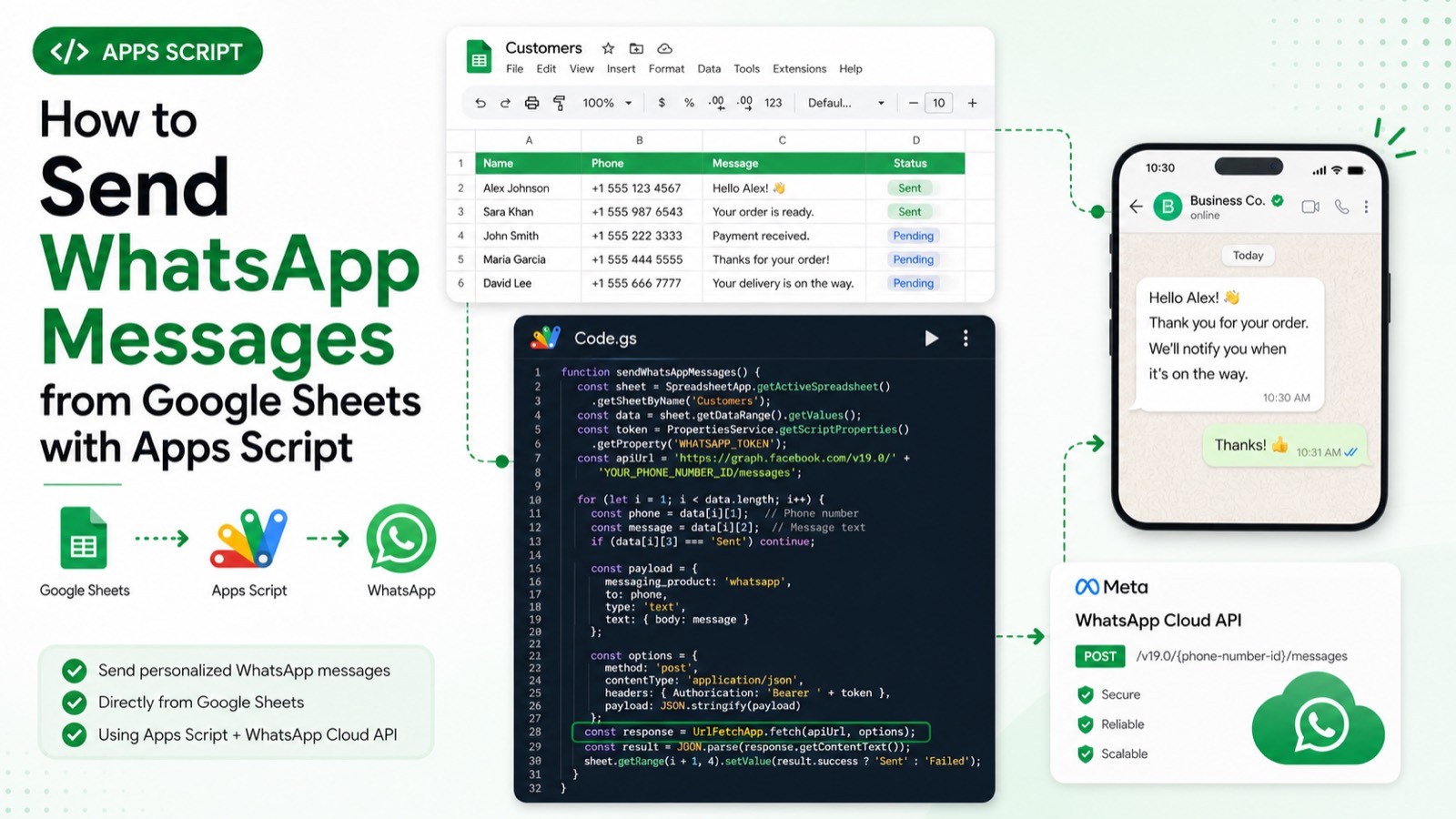
How do you send a WhatsApp message from Google Sheets with Apps Script?
Read the approved recipient and message from a named sheet, then call the WhatsApp Cloud API with UrlFetchApp using credentials stored outside the sheet. You need a configured Meta WhatsApp sender and opt-in recipients. Authorization, API rate limits, template requirements, and non-2xx responses must be handled before marking a row sent.
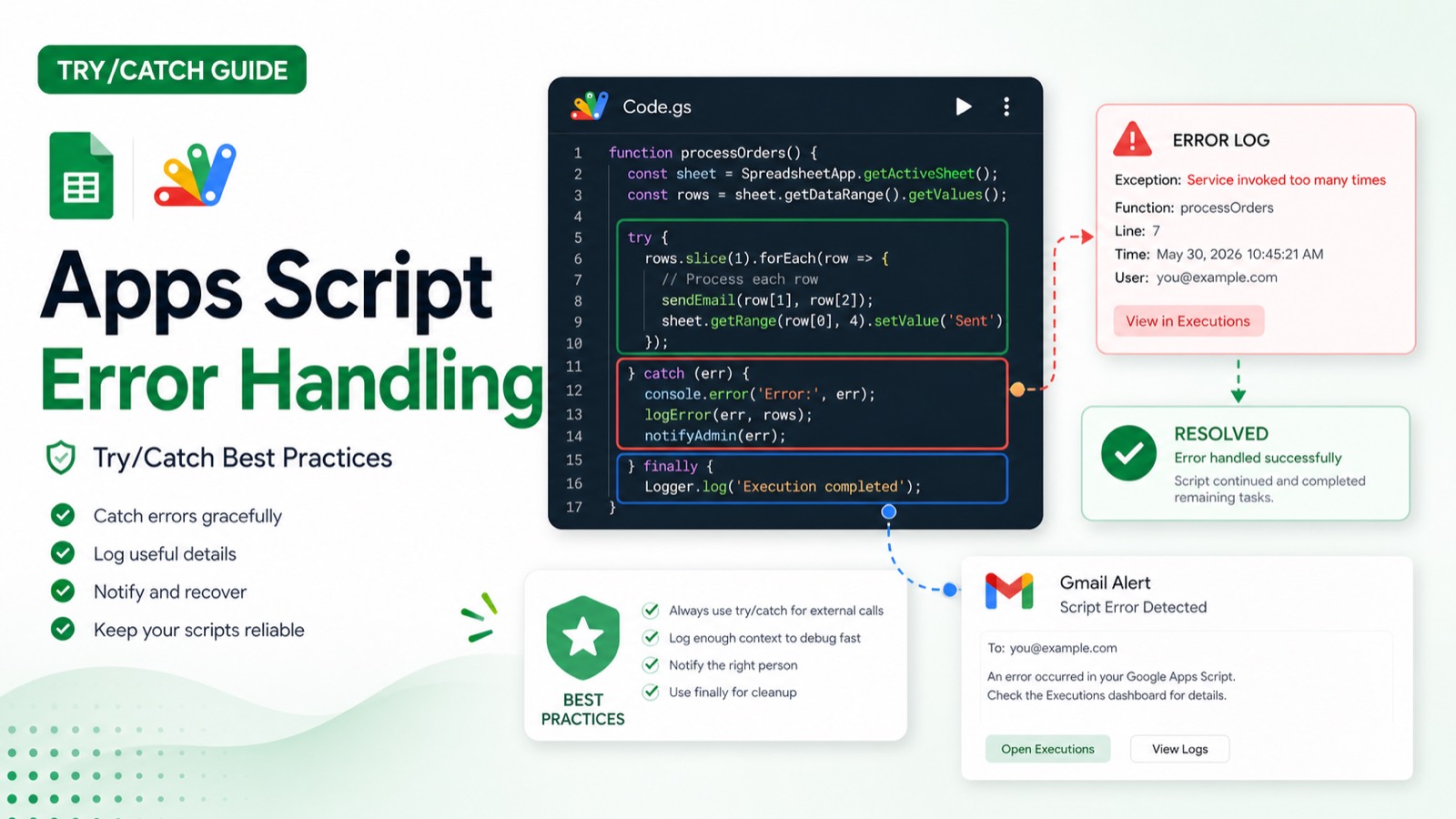
How should you use try/catch in Google Apps Script?
Wrap the smallest operation that can fail, log enough context to reproduce the issue, and rethrow errors when a trigger should be marked failed. Avoid swallowing exceptions or sending duplicate notifications. Apps Script exceptions can come from permissions, service quotas, malformed data, or external responses, so each failure path needs a clear action.
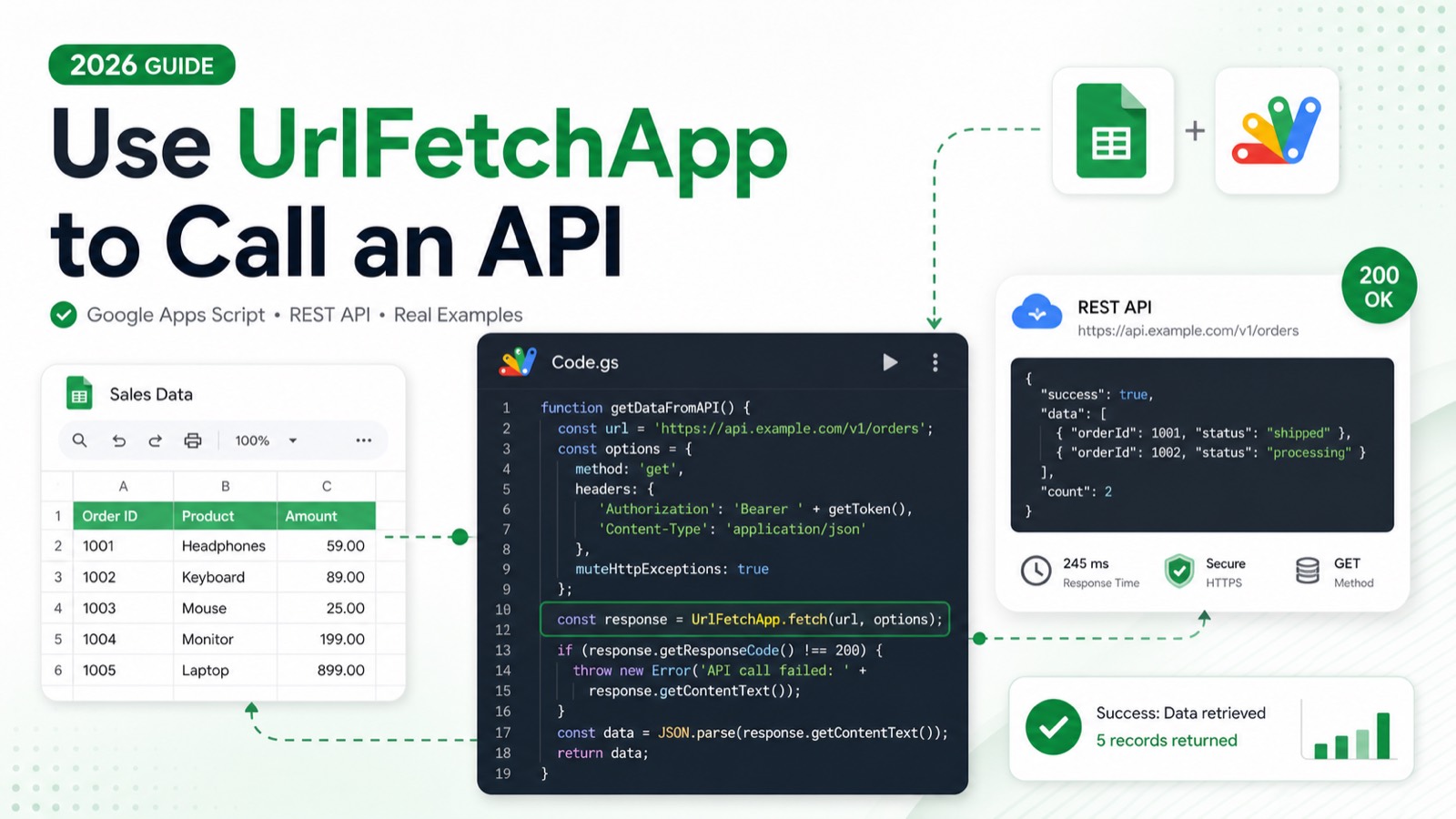
How do you call an API with UrlFetchApp in Google Apps Script?
Use UrlFetchApp.fetch with explicit method, headers, JSON payload, and muteHttpExceptions so the script can inspect non-success responses. Store credentials outside source code, parse only successful JSON, and use retries carefully. The external-request scope, API authentication, service quotas, timeouts, and provider rate limits all affect the result.
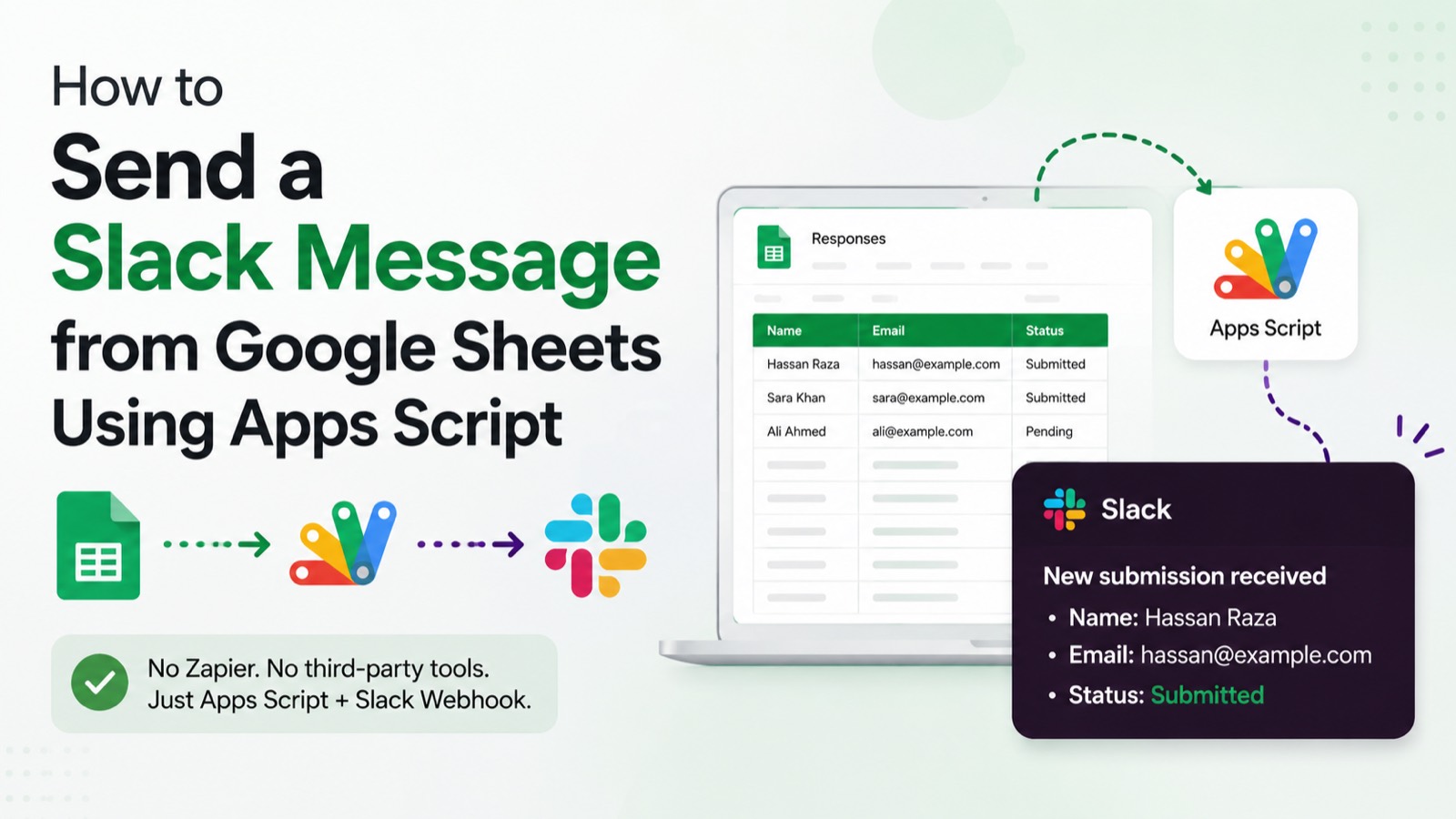
How to Send a Slack Message from Google Sheets Using Apps Script
No Zapier, no third-party tools — just a Slack webhook URL, a few lines of Apps Script, and your Sheet. Here's the complete setup.
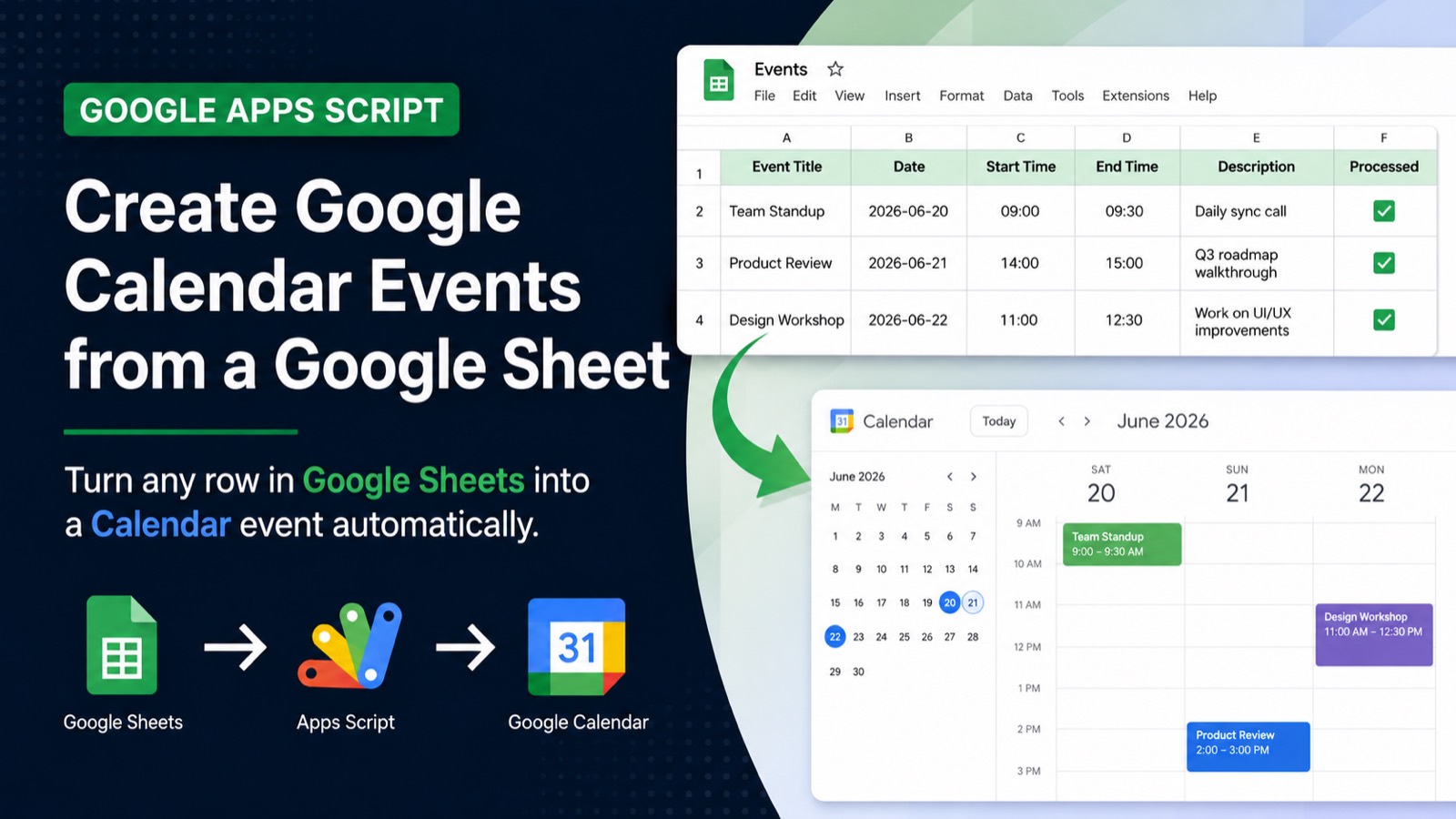
How to Create a Google Calendar Event from a Google Sheet
Turn any row in Google Sheets into a Calendar event with one function. No third-party tools, no Zapier — just Apps Script and the CalendarApp service.
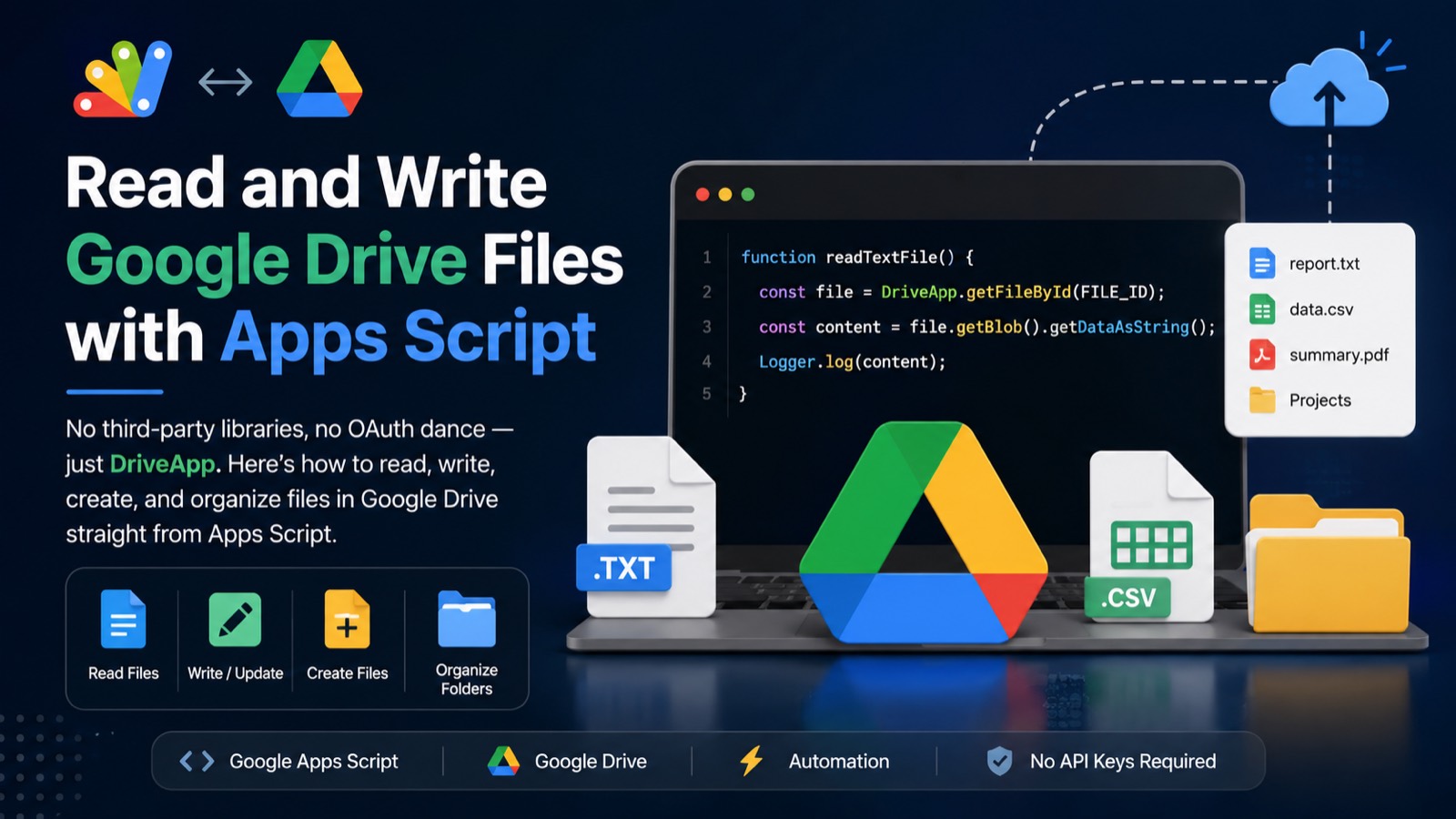
How to Read and Write Google Drive Files with Apps Script
No third-party libraries, no OAuth dance — just DriveApp. Here's how to read, write, create, and organize files in Google Drive straight from Apps Script.
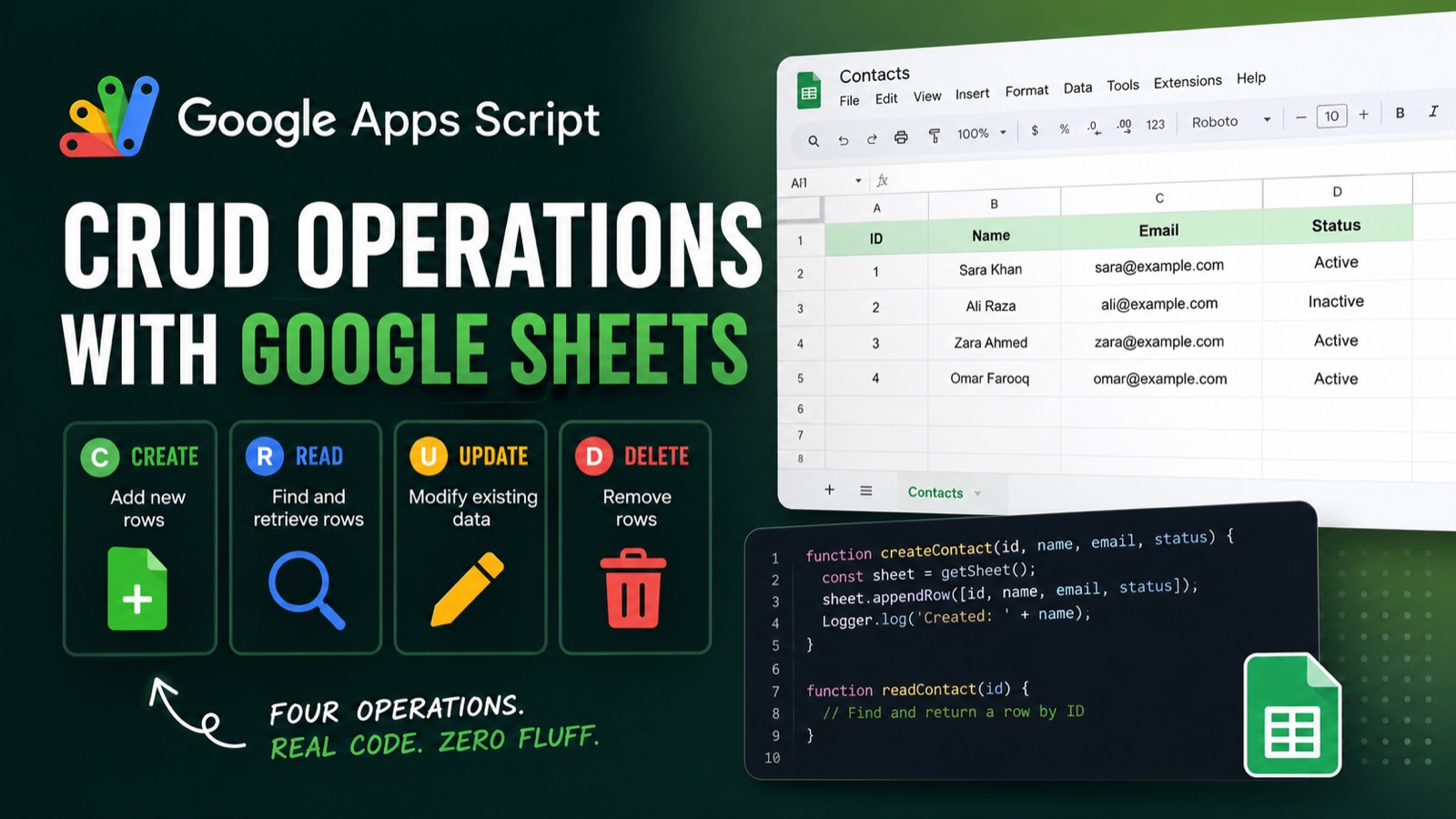
Google Apps Script CRUD Operations with Google Sheets
Create, read, update, and delete rows in Google Sheets without touching the UI — just Apps Script. Four operations, real code, zero fluff.
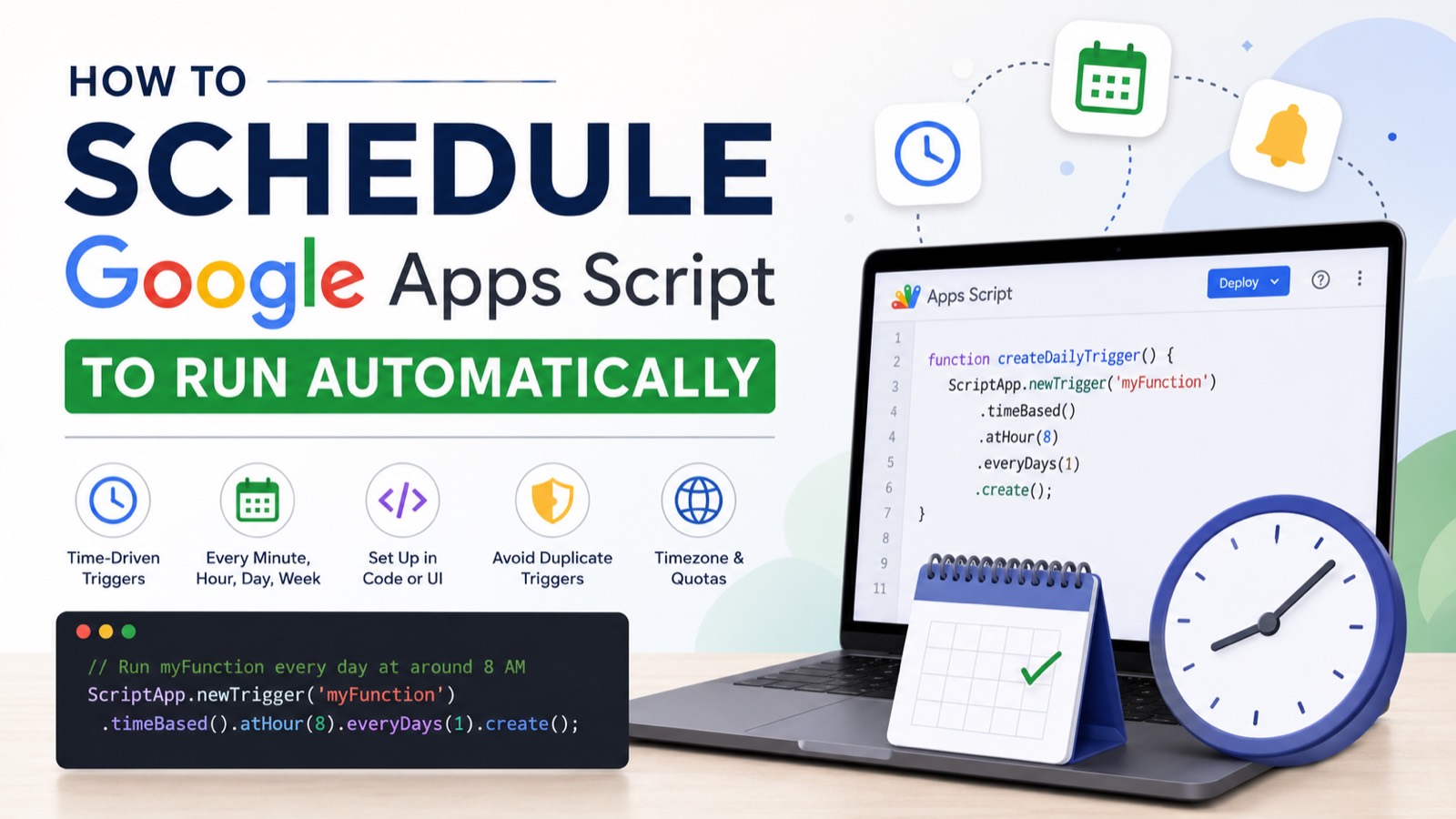
How to Schedule a Google Apps Script to Run Automatically
No cron server, no external scheduler — just ScriptApp.newTrigger(), a timezone setting, and one idempotent setup function. Here's every schedule type you need.
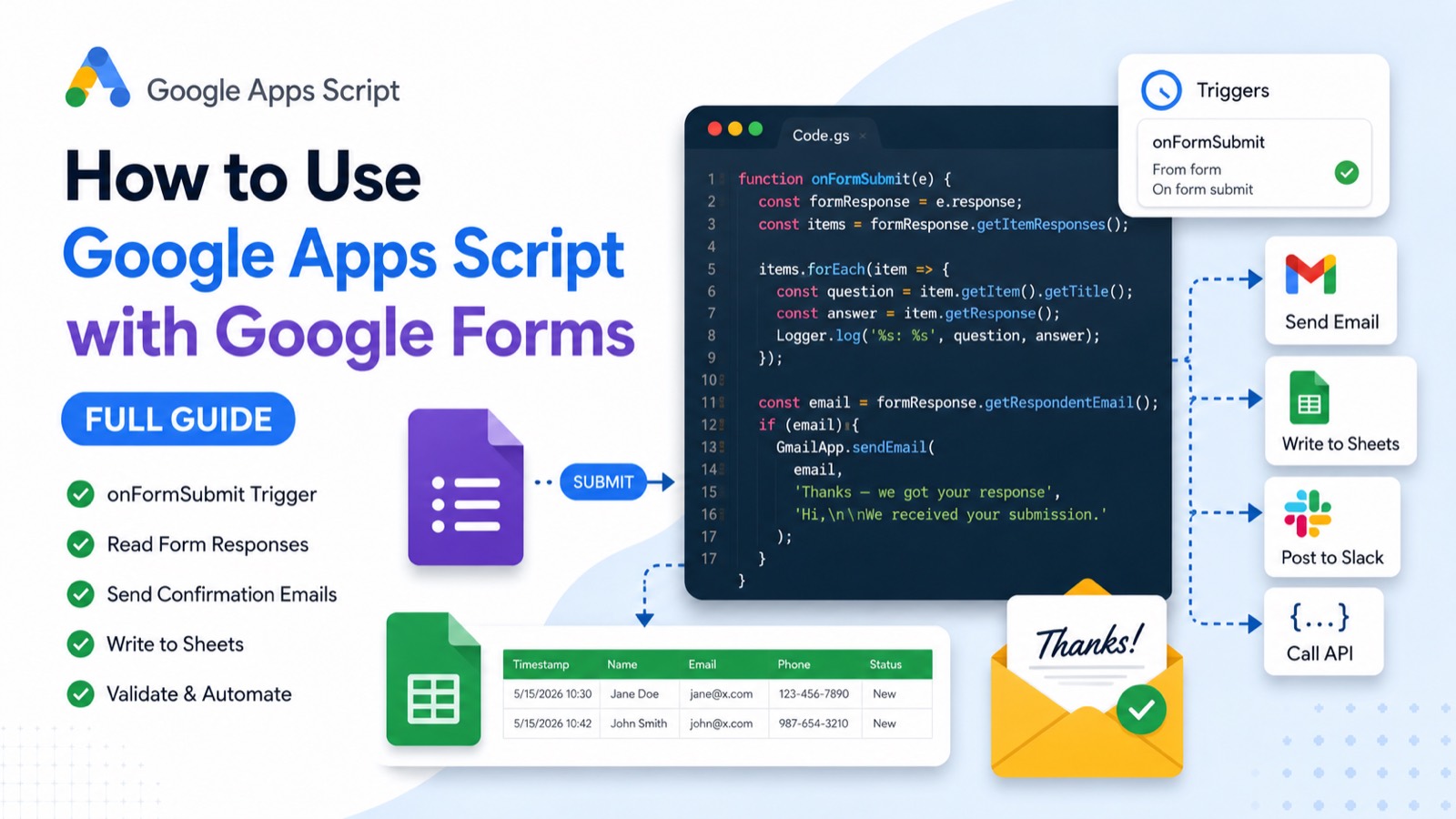
How to Use Google Apps Script with Google Forms (Full Guide)
The onFormSubmit trigger is the key to automating Google Forms. Here's how to install it, read responses correctly, send confirmation emails, and avoid the mistakes that break most setups.
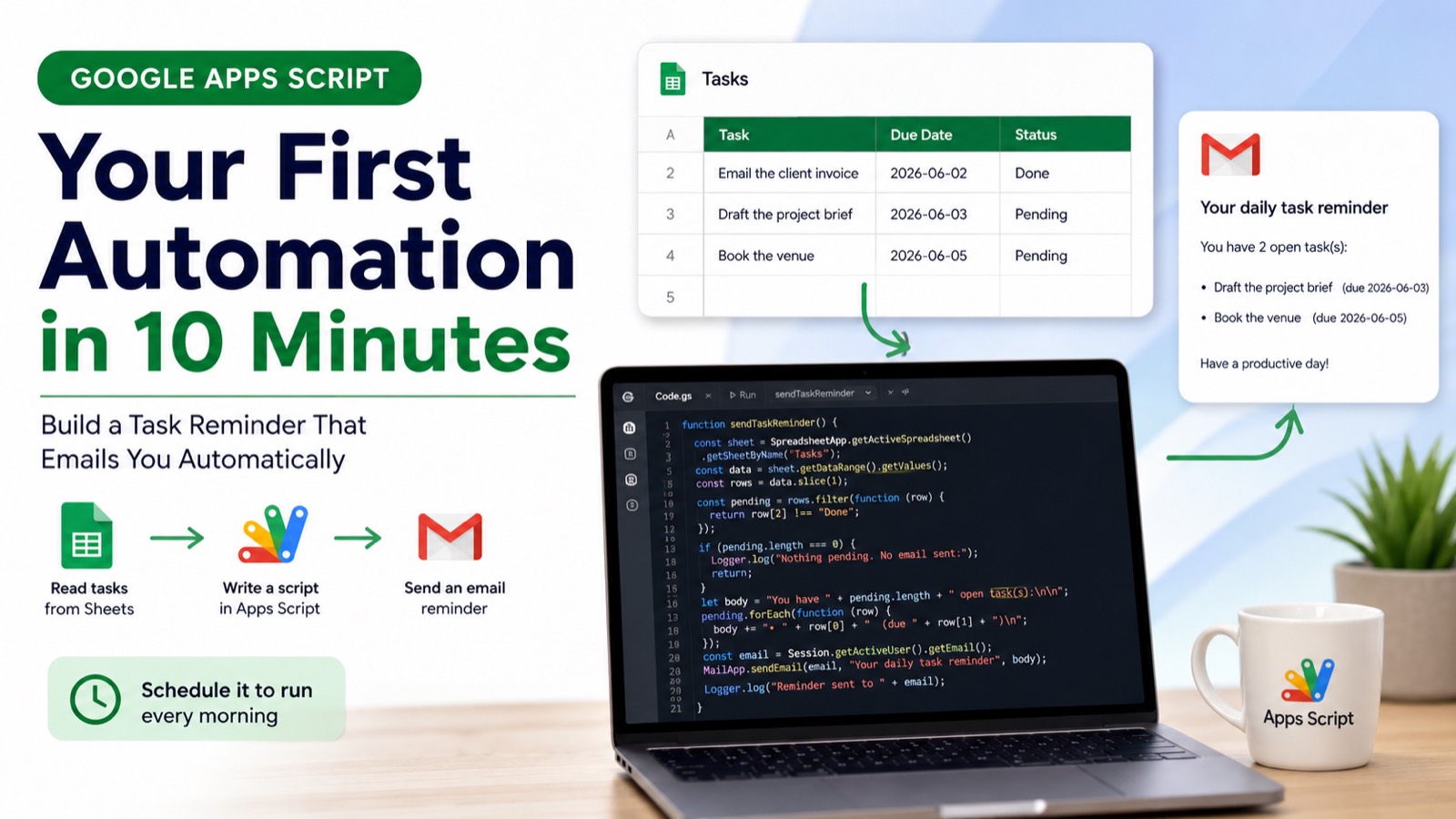
Google Apps Script for Beginners: Your First Automation in 10 Minutes
No install, no cost — just a Google account and a few lines of JavaScript. Here's how to write your first real Apps Script automation, step by step.
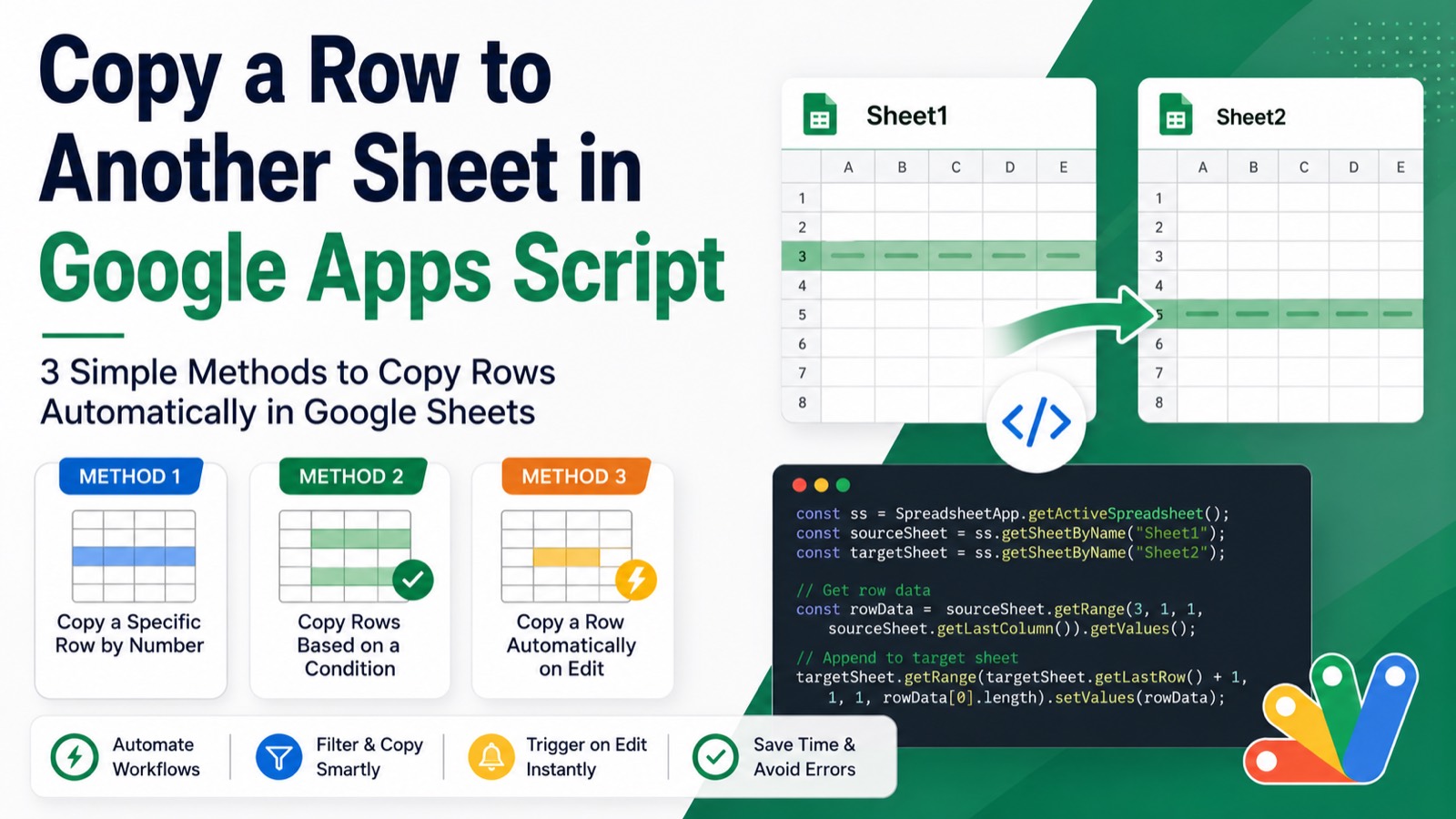
Copy a Row to Another Sheet in Google Apps Script (3 Methods)
Three copy-paste ready methods — by row number, by condition, and on edit trigger — plus how to move rows and fix the most common errors.
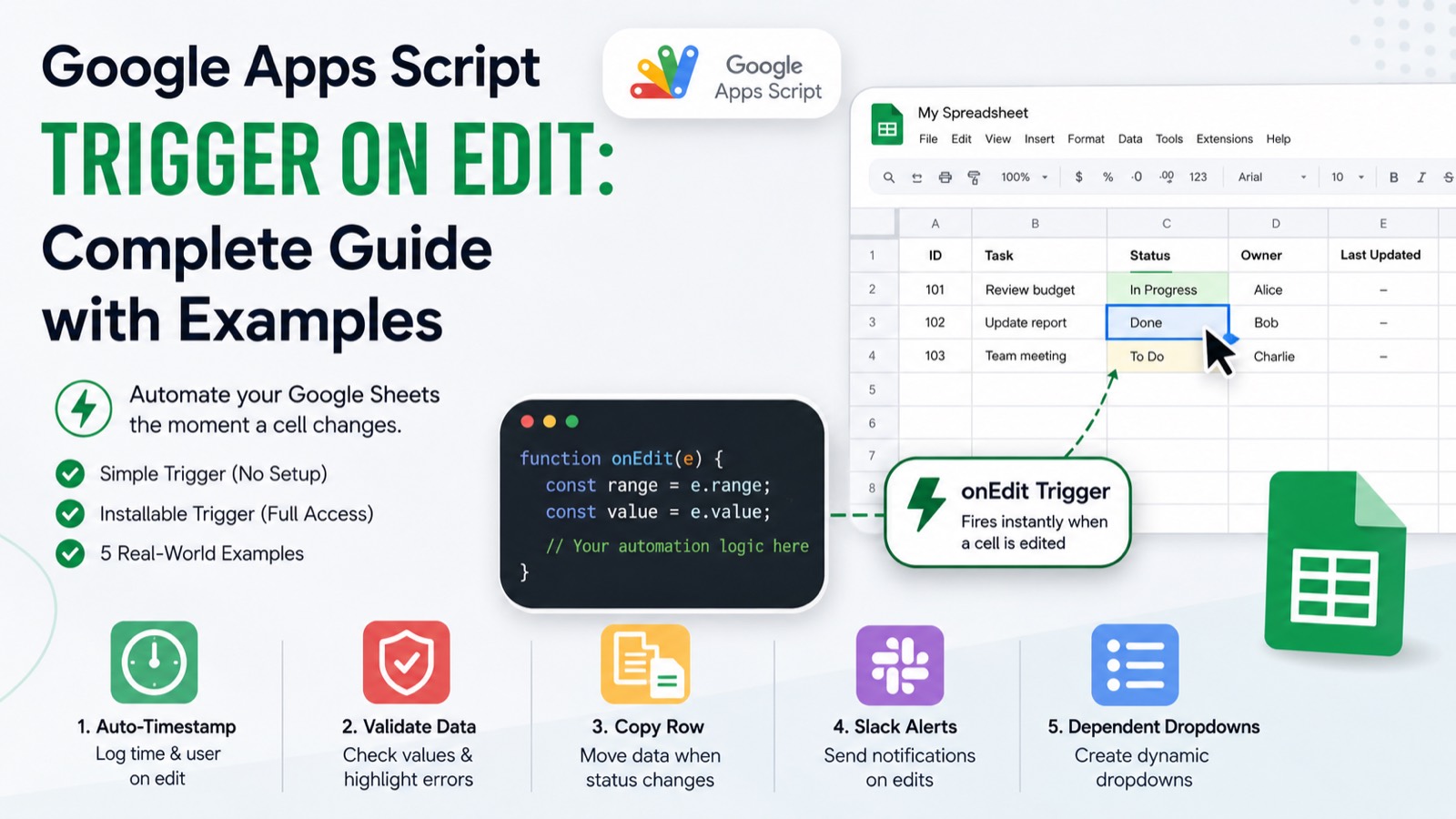
Google Apps Script Trigger on Edit: Complete Guide with Examples
The onEdit trigger is the fastest way to make your Google Sheet react to changes in real time. This guide covers simple triggers, installable triggers, and five copy-paste examples you can use today.
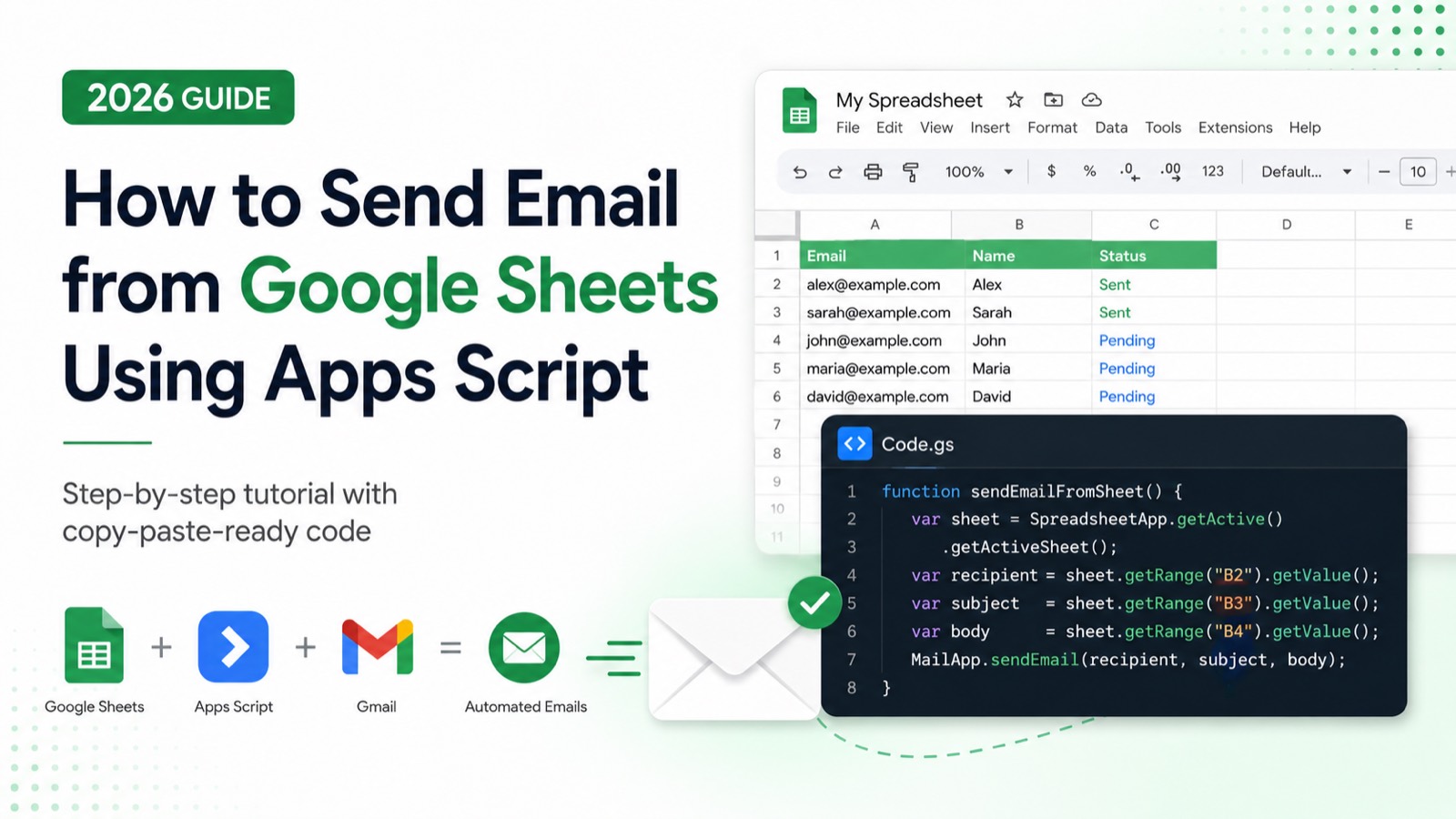
How to Send Email from Google Sheets Using Apps Script (2026 Guide)
No third-party tools, no API keys — just Apps Script, MailApp, and your spreadsheet. Here's every method with copy-paste-ready code.